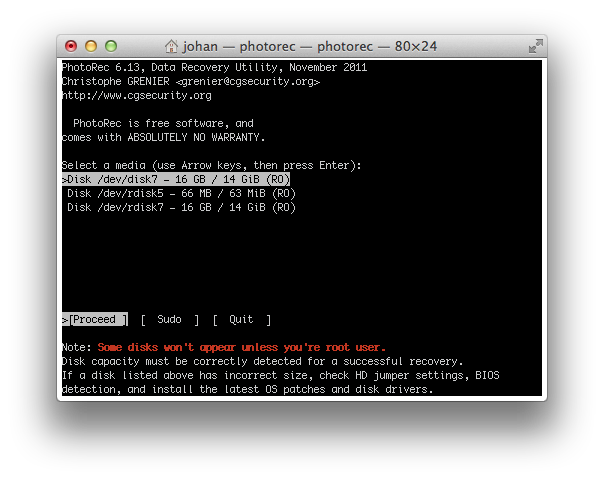
Start by selecting the card with the keyboard arrow keys, then press Enter to confirm.

How to Recover Accidentally Deleted Photos?
Accidentally deleting photos from a memory card, or formatting it without having backed up its contents, can happen to anyone. Don't panic: the photos are not necessarily lost. To understand what happens, imagine a memory card as a book: the photos are the pages of the book, and the file system is its table of contents. When you delete photos or perform a quick format, the “table of contents” is modified or removed, but the “pages” may still be present on the card. In other words, the camera or computer may no longer know where to find the photos, but their actual data can still be there as long as it has not been overwritten by new data. Recovery software such as PhotoRec searches for this data directly on the card. This method works in particular with SD and CFexpress cards, but the results depend on the type of deletion or formatting, the file system, and above all what happened after the deletion.
First rule: stop using the card. To continue the book analogy, every new photo saved to the card may overwrite some of the “pages” that are still there. Do not take any more photos, do not reformat the card, and do not copy any files to it. Also save recovered files to another drive, not to the card itself.
PhotoRec is free and available for macOS, Windows and Linux. Its interface is somewhat austere, but it is fast and effective.
Start by selecting the card with the keyboard arrow keys, then press Enter to confirm.
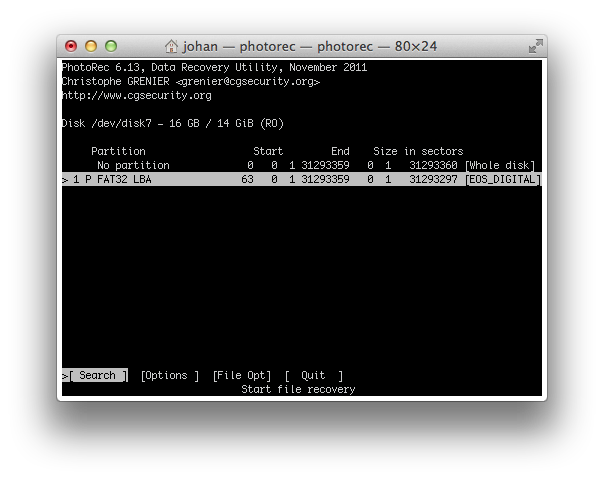
The EOS_DIGITAL card appears. The program indicates that it is formatted as FAT32. Press Enter to continue.
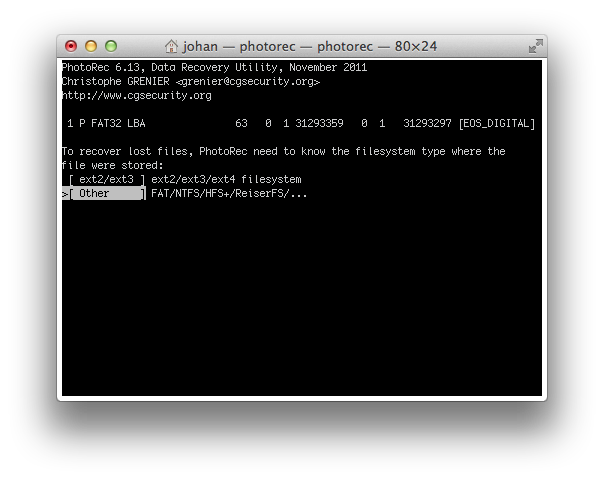
To recover the lost photos, tell PhotoRec the card's file-system type: select “Other / FAT/NTFS”, then press Enter.
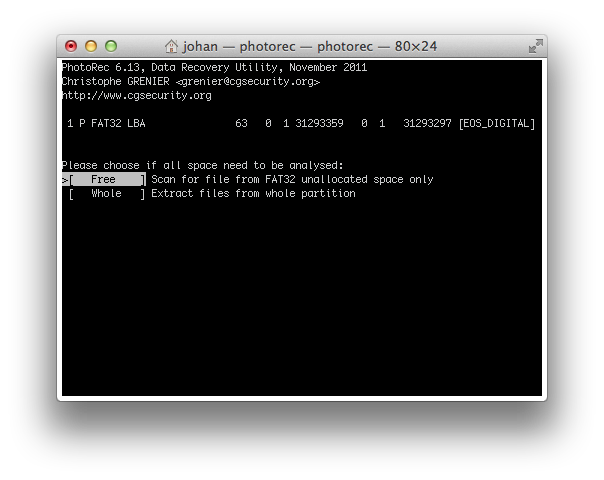
Step 4: specify that you want to scan only the unallocated space, so select “Free” and press Enter.
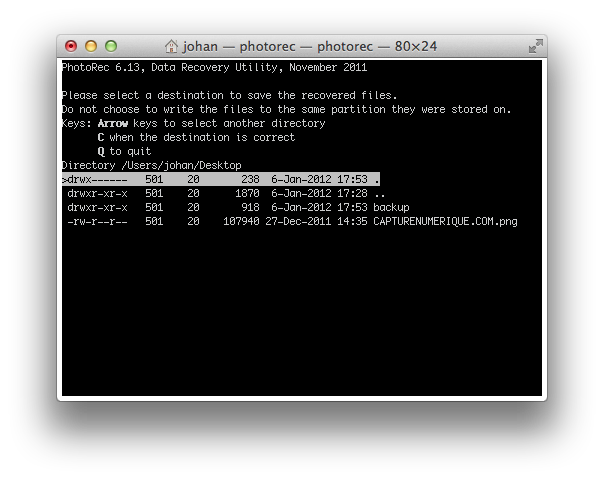
Choose the folder where the recovered photos will be stored. Here we choose the Desktop, for example /Users/johan/Desktop, then press C to confirm.
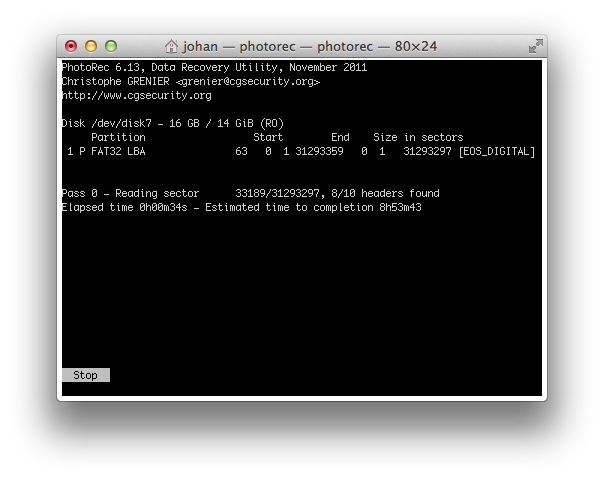
The recovery of the lost images begins. The operation may take several tens of minutes.
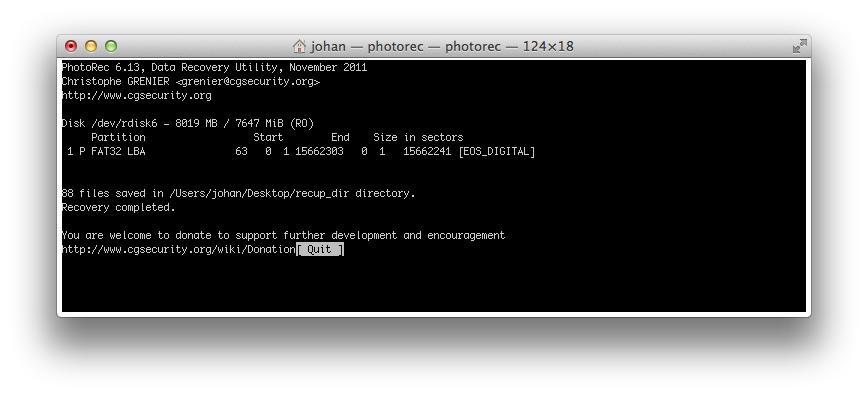
PhotoRec reports that 88 images have been recovered from the EOS_DIGITAL memory card.
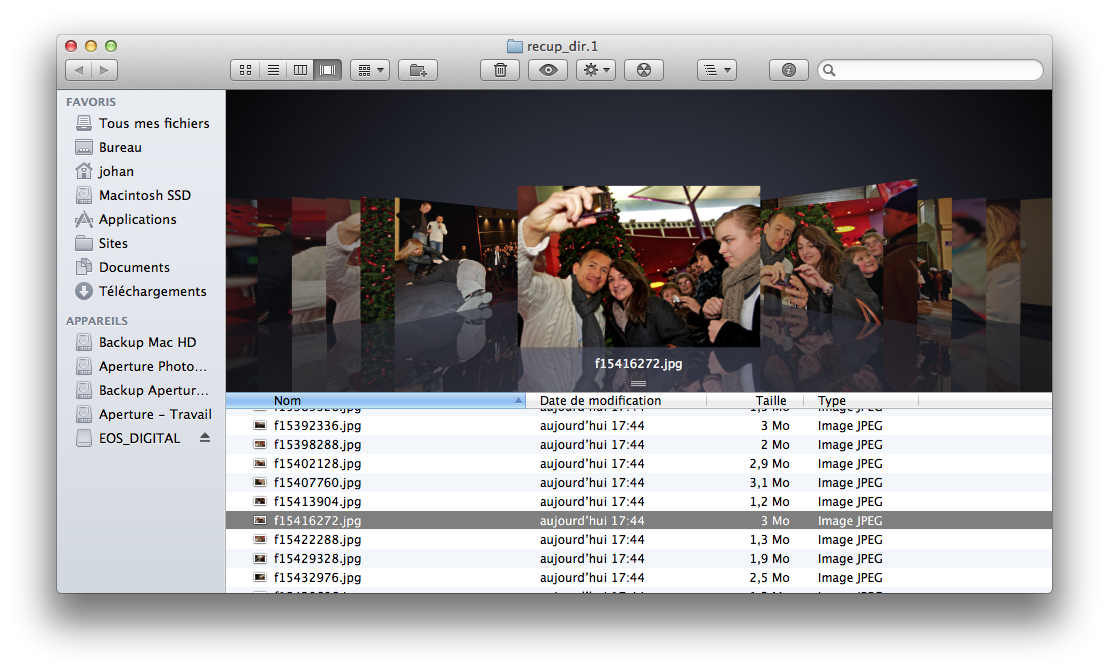
The recovered photos are on the Desktop in the recup_dir.1 folder. In this example, the program recovered photos from a report on Dany Boon and his team while they were on tour for their film "Nothing to Declare".

PhotoRec remains, in my opinion, the first piece of software to try: it is free, open source, and works on Windows, macOS and Linux. It is particularly useful for a formatted memory card or one with a damaged file system, because it searches directly for data rather than relying solely on the file-system index. Its interface is fairly austere, however, and original file names are generally not preserved.
If you prefer a more user-friendly graphical interface, Disk Drill works on Mac and Windows and supports SD cards, CompactFlash cards and cameras. The free version lets you check what can be recovered before deciding whether to move to the paid version.
R-Studio is aimed more at advanced users. It works on Windows, Mac and Linux and supports many file systems, including FAT32, exFAT, NTFS, HFS+ and APFS. It also offers disk-image creation and more advanced recovery features for damaged storage media.
Finally, EaseUS Data Recovery Wizard is another relatively accessible solution, available for Windows and Mac. It supports SD/CF cards in particular and offers a free version that allows you to recover a limited amount of data before moving to a paid version.
My advice: if you have accidentally deleted or formatted a memory card, do not immediately look for the most sophisticated software. Stop using the card, first try PhotoRec if you are comfortable with its interface, or Disk Drill if you prefer something simpler. For severely damaged media or more complex recovery, R-Studio is a more comprehensive solution. Above all, never install recovery software on the card or drive you are trying to recover, and never save recovered files to the same location: you could overwrite data that can still be recovered.
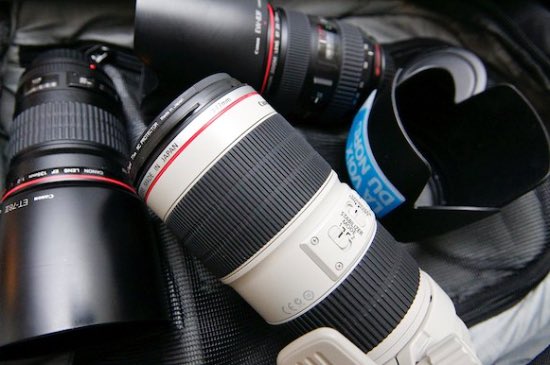
How to choose a lens?
The lens is the component that has the greatest impact on image sharpness [...]
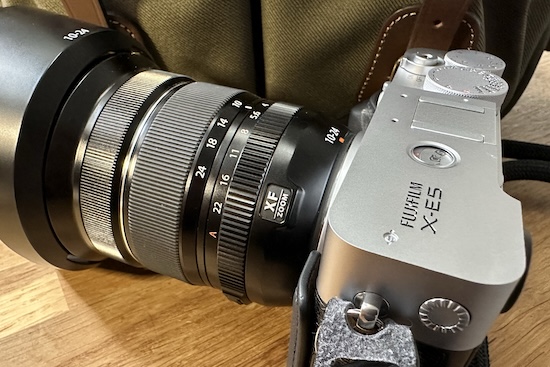
How to choose a camera?
Today, the choice is mainly between mirrorless cameras and the used market [...]
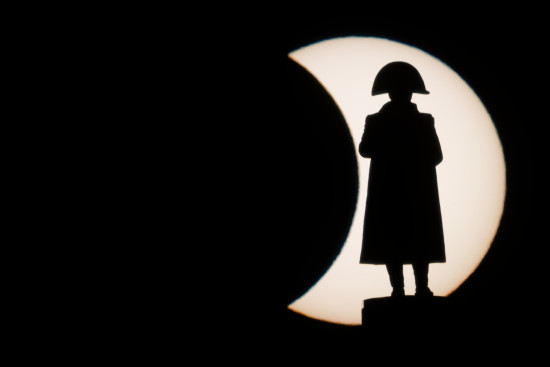
How I photographed Napoleon during the solar eclipse?
An image like this does not happen by chance [...]

How I set up my camera
There is obviously no universal setting that works for every situation. The choices [...]
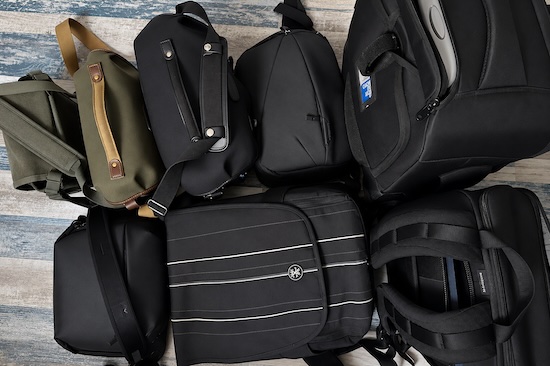
How to choose a camera bag
Finding the perfect camera bag to carry and protect your valuable equipment is [...]

How to choose a computer?
Clearly, in 2026, any recent laptop or desktop computer, whether PC or Mac, can [...]
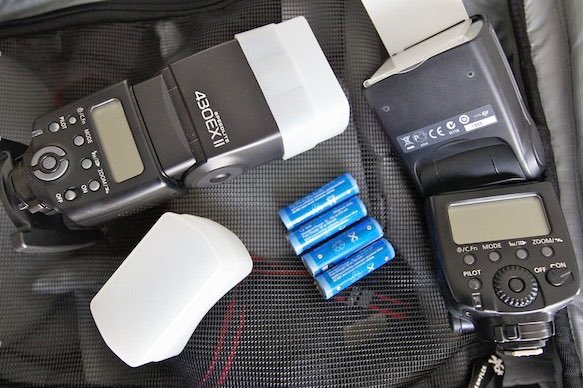
How to choose a speedlight?
A speedlight is far from essential for taking good photographs. Recent cameras [...]

Photographing amateur football
For those getting started in sports photography, covering an amateur football match is a good choice [...]
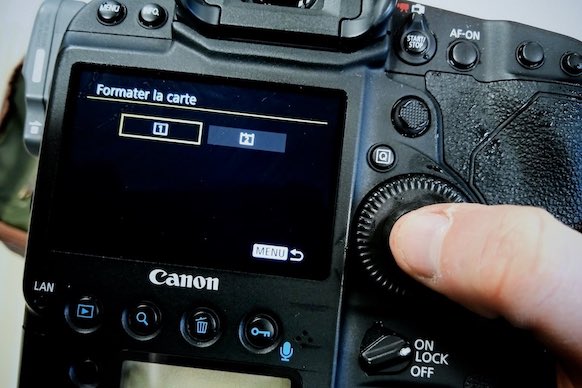
Recovering deleted photos
Accidentally deleting the contents of a memory card by formatting it can happen to anyone: don't panic [...]
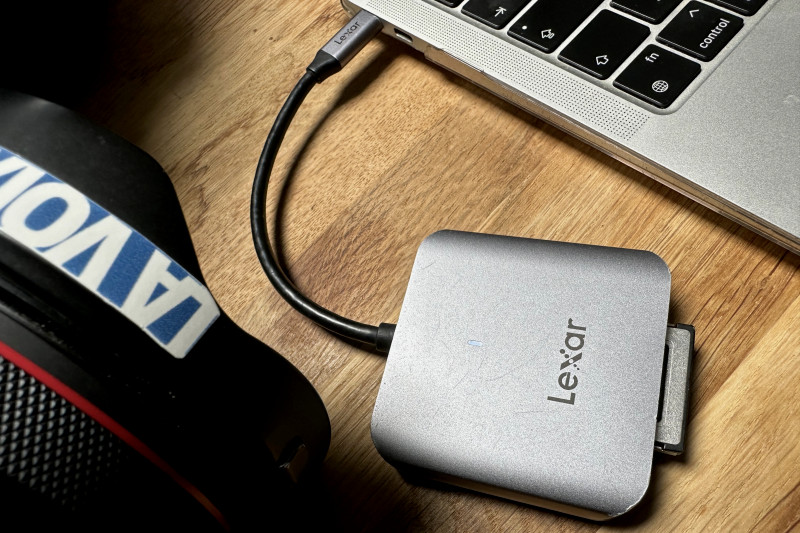
My workflow with DxO and Photo Mechanic
Why I spend less than a minute (per photo) on post-processing my assignments [...]

Photographing sports
Sports photography is quite a challenging field to master. It requires [...]
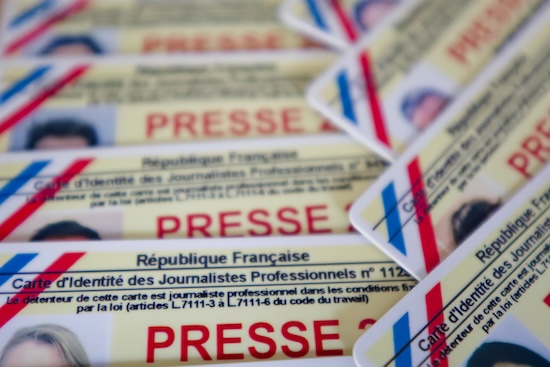
Getting press accreditation
Press accreditation is the essential pass that allows you to photograph a concert, event [...]

Photographing a concert
Photographing a concert or show is relatively complex, but very rewarding [...]
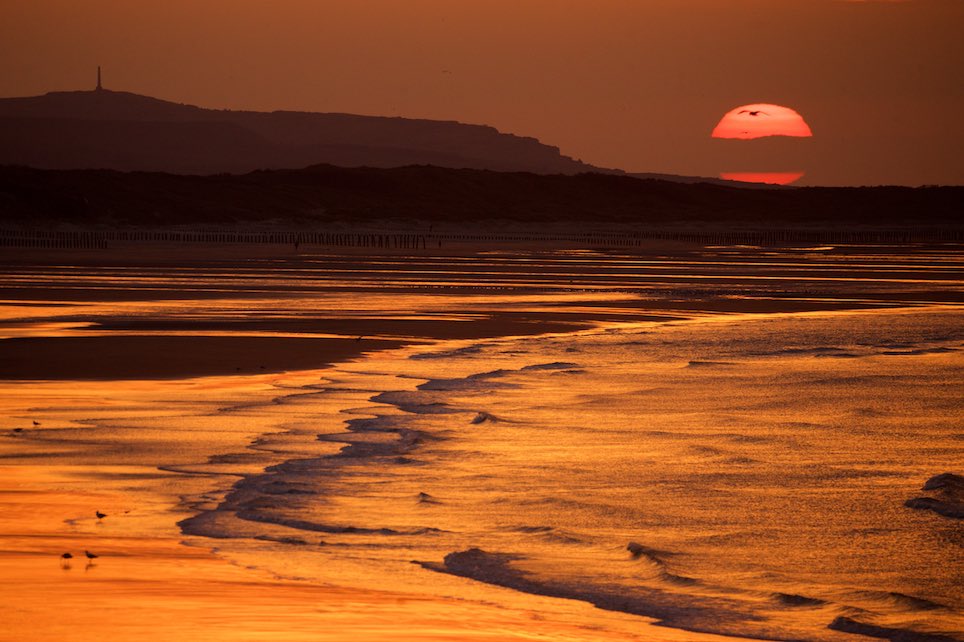
Photographing a sunset
Photographing a sunset is a real treat for both the eyes and the photographer, impossible to [...]

10 tips for better photos
A few tips, in no particular order, to avoid common mistakes. The very first tip [...]

How to create a panning effect?
Essential for photographing motorsports such as rallies, F1 or [...]
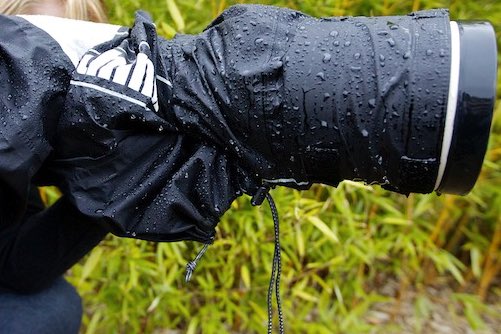
Photography in the rain
As I live in Pas-de-Calais, I should have some expertise when it comes to answering this [...]
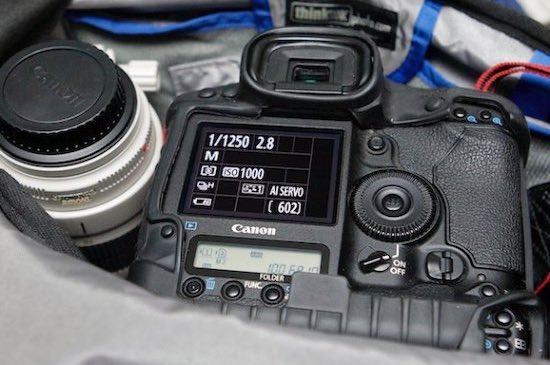
Photography basics
When taking a photograph, the photographer can adjust four parameters to compose and control [...]