How to Choose a Memory Card? (last updated August 19, 2026)
A memory card is now an essential part of photographic equipment. The choice is no longer just about capacity: you also need to consider the card format, write speed and the requirements of your camera body. Between SD and CFexpress cards, terms such as UHS, V30, V60, V90 and VPG can quickly become difficult to understand. This page explains the main current standards and the criteria that really matter before buying.
Which format should you choose?
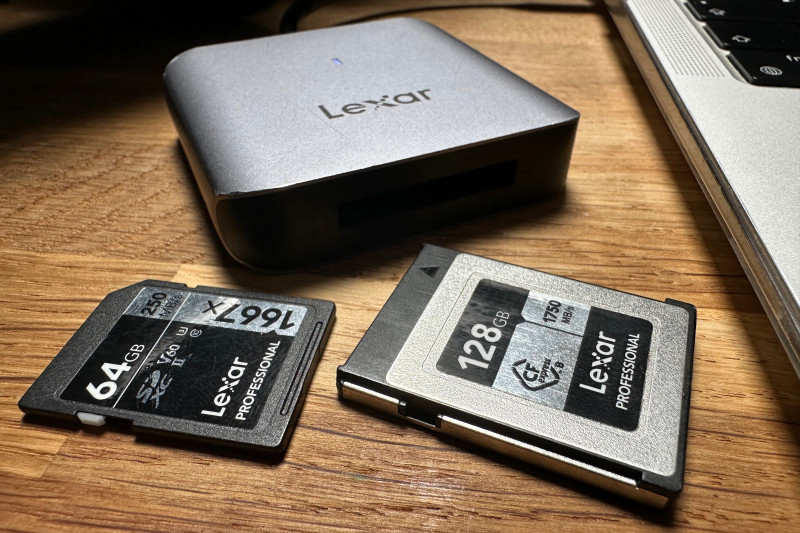
The first step is simple: check your camera manual for the card format or formats it supports. A very fast card is useless if it is not compatible with the camera body. The main formats encountered today are SD and CFexpress cards. CompactFlash, CFast and XQD still exist, but they mainly concern older cameras or specific uses.
Secure Digital (SD, SDHC, SDXC, SDUC)
SD cards remain by far the most widespread. The term SD covers several standards: SD up to 2 GB, SDHC up to 32 GB, SDXC up to 2 TB and SDUC above 2 TB, although the latter remains very uncommon in photography. The SD Association also distinguishes several bus generations, notably UHS-I and UHS-II, as well as different speed classes.
For photography, the U3, V30, V60 and V90 ratings are particularly useful. The number in the Video Speed Class corresponds to a minimum sustained write speed: V30 guarantees at least 30 MB/s, V60 60 MB/s and V90 90 MB/s. V60 and V90 classes are associated with UHS-II or UHS-III interfaces.
CFexpress Type A and Type B
CFexpress has become the high-performance standard for professional camera bodies and many recent mirrorless cameras. It uses the PCI Express interface and NVMe protocol. There are three physical formats: Type A, Type B and Type C. In photography, the two formats actually encountered are mainly Type A and Type B: Type A is more compact and is notably used by Sony,
while the larger and faster Type B is widely used by Canon, Nikon, Fujifilm, Panasonic and other manufacturers. Type C exists in the standard but is currently not used by any camera or consumer card.
For demanding video use (although... I am more focused on photography), you should also look at the VPG (Video Performance Guarantee) certification, which guarantees a minimum sustained write speed. A CFexpress card can therefore be very fast for reading while being less suitable for certain recordings if its sustained write speed is not sufficient.
CompactFlash, CFast and XQD: older formats
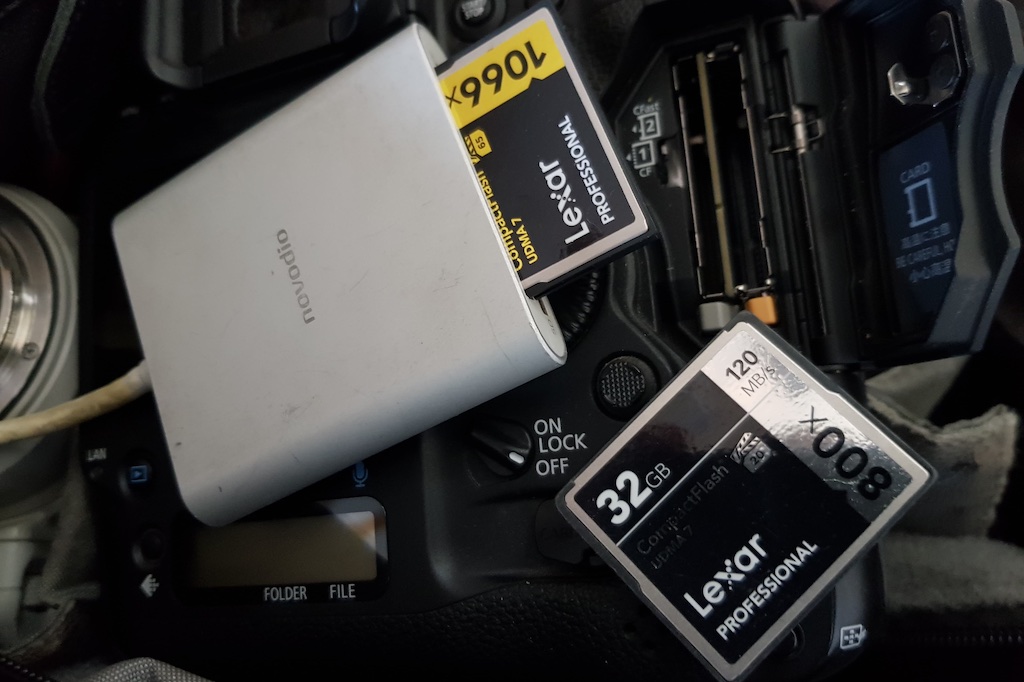
CompactFlash (CF), CFast and XQD cards are not necessarily unusable: if your camera supports them, they can continue to work perfectly well. But they are no longer the formats to prioritize for new equipment. CompactFlash and CFast are now legacy standards, while XQD has largely been replaced by CFexpress Type B, which uses the same physical form factor.
How to Choose Card Capacity
The capacity you need mainly depends on how you shoot and the size of the files produced by your camera. With current 24- to 45-megapixel bodies and RAW files that can easily exceed 25 or 50 MB, small 8GB or 16GB cards have become much less useful.
| Capacity | Typical photo use | Intensive use |
| 32 GB | Fine for beginners or as a second card | Rather limited for RAW |
| 64 GB | Good compromise for photography | Suitable for many outings |
| 128 GB | Very comfortable | Excellent choice for photojournalism and burst shooting |
| 256 GB and above | Mainly useful for video or very large files | Useful for long shooting days and video |
It is difficult to give a universal number of photos per card: the size of a RAW file varies according to the camera body, scene and recording format. Manufacturer figures are therefore more reliable than a theoretical table. For example, the Canon EOS R3 produces RAW files averaging around 29 MB under the conditions specified by Canon; a 128GB card therefore already allows you to work with several thousand RAW images.
For photojournalism, I personally prefer several cards rather than one huge card. A card can always fail, be lost or be damaged. With two 128GB cards rather than a single 256GB card, you reduce the risk of losing an entire day's work if something goes wrong.
Speed: do not rely only on the MB/s figure
Manufacturers often highlight maximum read speed, but for photography and especially burst shooting, write speed is the most important figure. A card rated at 200 MB/s read speed is not necessarily capable of writing at that speed.
For SD cards, the U3, V30, V60 and V90 ratings are more useful than older coefficients such as “300x” or “600x”. These correspond to an older way of presenting performance and are no longer very useful when choosing a modern card. The SD Association now distinguishes the standard speed classes, UHS, Video Speed Class and SD Express Speed Class.
For CFexpress, look at both the advertised write speed and, when necessary, the VPG certification. For a photographer working in RAW and burst mode, a fast card mainly allows the camera to clear its buffer more quickly and return to its maximum shooting rate sooner.
The card reader
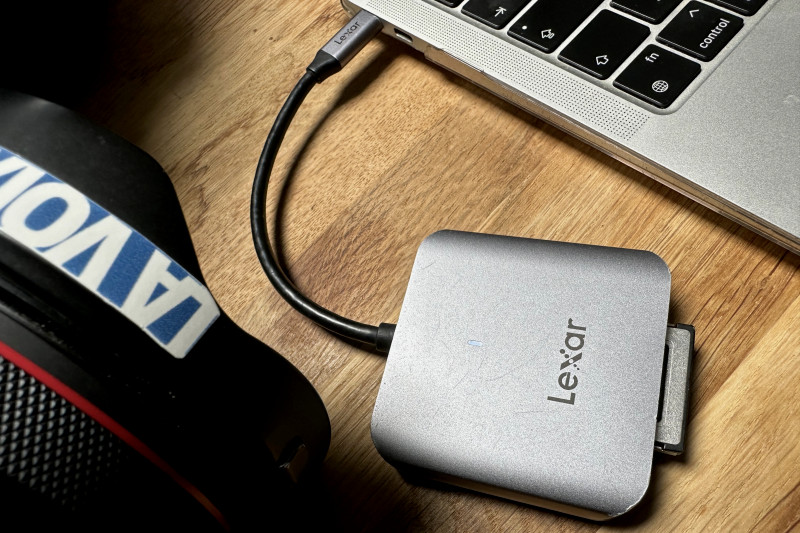
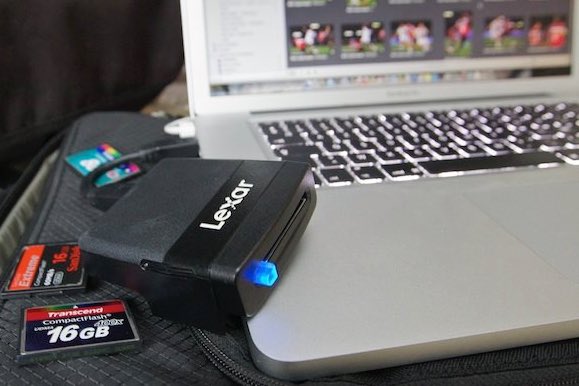
A good card reader is now almost as important as the card itself. There is little point in buying a very fast CFexpress card and then transferring it with a limited reader. For fast cards, choose a USB-C reader compatible with the card's performance and with your computer.
There are basic SD readers, UHS-II readers and dedicated CFexpress Type A or Type B readers. If you use several formats, a multi-card reader can be convenient, but make sure to check the actual speeds supported by each slot.
So, which card should you choose for your camera?
A camera using SD cards
For a recent body such as the Canon EOS R6 Mark II, which has two UHS-II-compatible SD slots, an SDXC UHS-II V60 card is an excellent compromise for photography and everyday video. For the most demanding video use, a V90 may be appropriate if the camera requires it.
A professional body such as the Canon EOS R3
The EOS R3 accepts CFexpress Type B cards and SD/SDHC/SDXC UHS-I and UHS-II cards. For sports photography, burst shooting and demanding video modes, CFexpress Type B is the logical choice; Canon notably recommends a CFexpress card supporting VPG400 for certain video recordings. UHS-II SD remains a very practical backup option.
A recent Sony mirrorless camera
Sony bodies using CFexpress Type A generally also accept UHS-II SD cards. For example, the recent Sony Alpha 7 V has one slot compatible with CFexpress Type A or SD and a second SD slot. Again, the choice depends on the shooting modes you use.
An older CompactFlash, CFast or XQD camera
If your camera still uses one of these formats, you obviously need to stick to the standard specified by the manufacturer. For a new purchase, however, it is better to choose a camera using SD or CFexpress rather than invest in older technology.
A few tips before buying
Do not choose a card solely on the basis of its capacity or advertised maximum speed. First check compatibility with your camera body, then the write speed actually required for your use. For photography, a good UHS-II V60 SD card is already sufficient for many photographers; CFexpress becomes particularly interesting when the camera actually takes advantage of it for burst shooting or video.
Finally, avoid unbranded cards or offers that are obviously too good to be true. For a professional photographer, saving a few dozen euros is not worth the risk of losing several hours of photojournalism. And whatever card you choose, a memory card is not a backup: whenever possible, copy your photos to at least one other storage device.
Standards and performance evolve quickly. The specifications given here reflect the standards and cameras available at the time this page was updated, in August 2026. Always check your camera's documentation before buying a card.